Simple Arrows app icon

Less setup,
more shooting.

Pick a target face and shoot. Simple Arrows works out the round, keeps the score, and remembers every session.

Download on the App Store Free. The whole app.
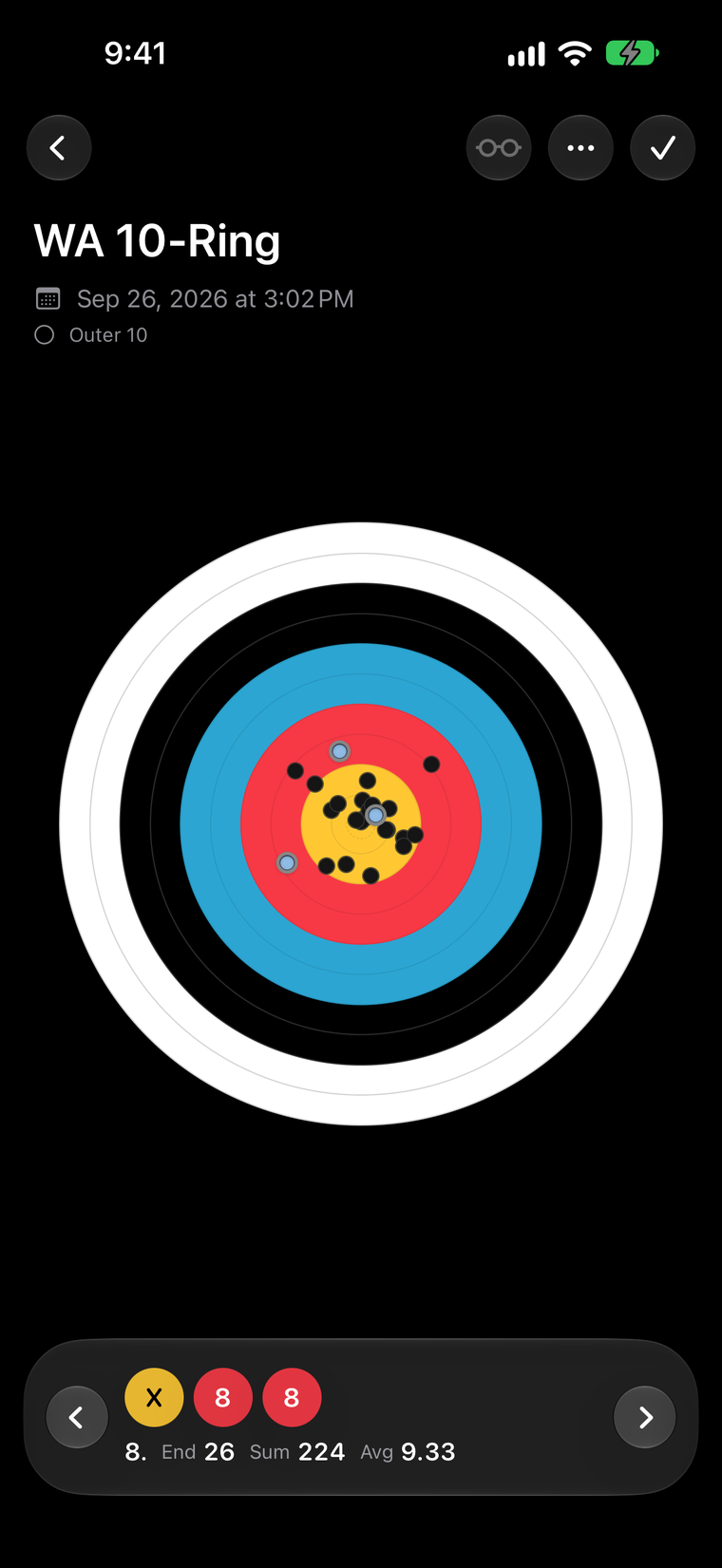
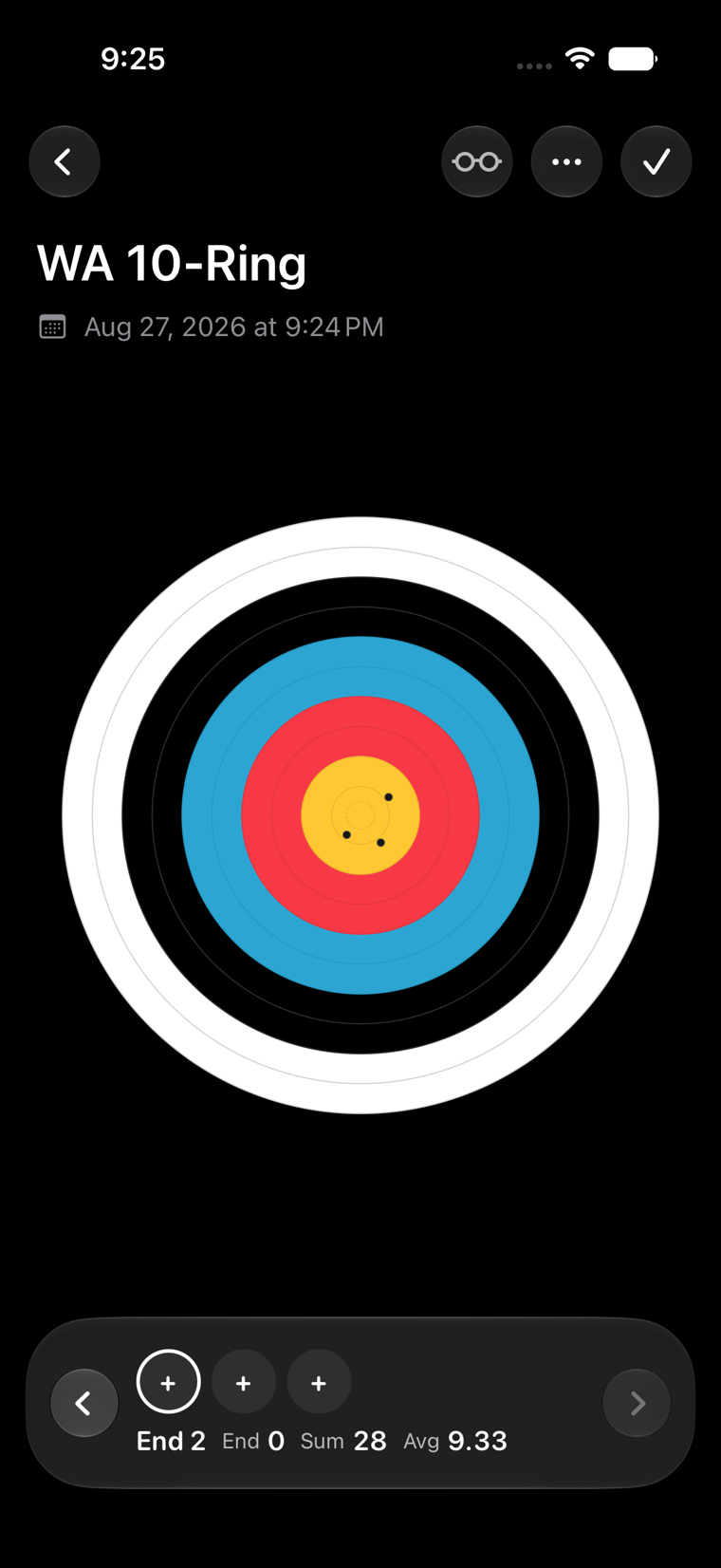
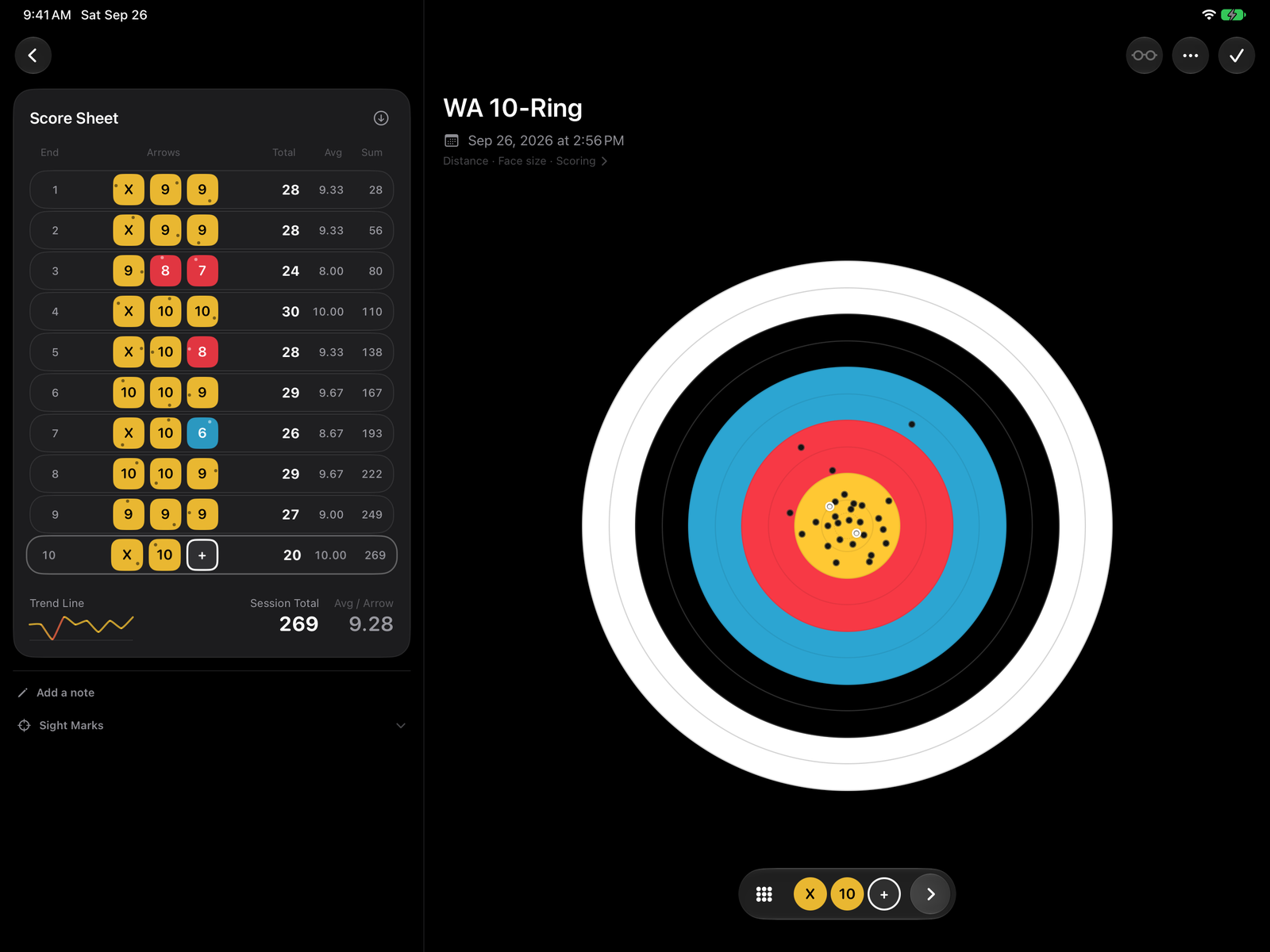
Scoring a WA 10-Ring session in Simple Arrows, with three arrows plotted on the face.

Tap the face where it landed.
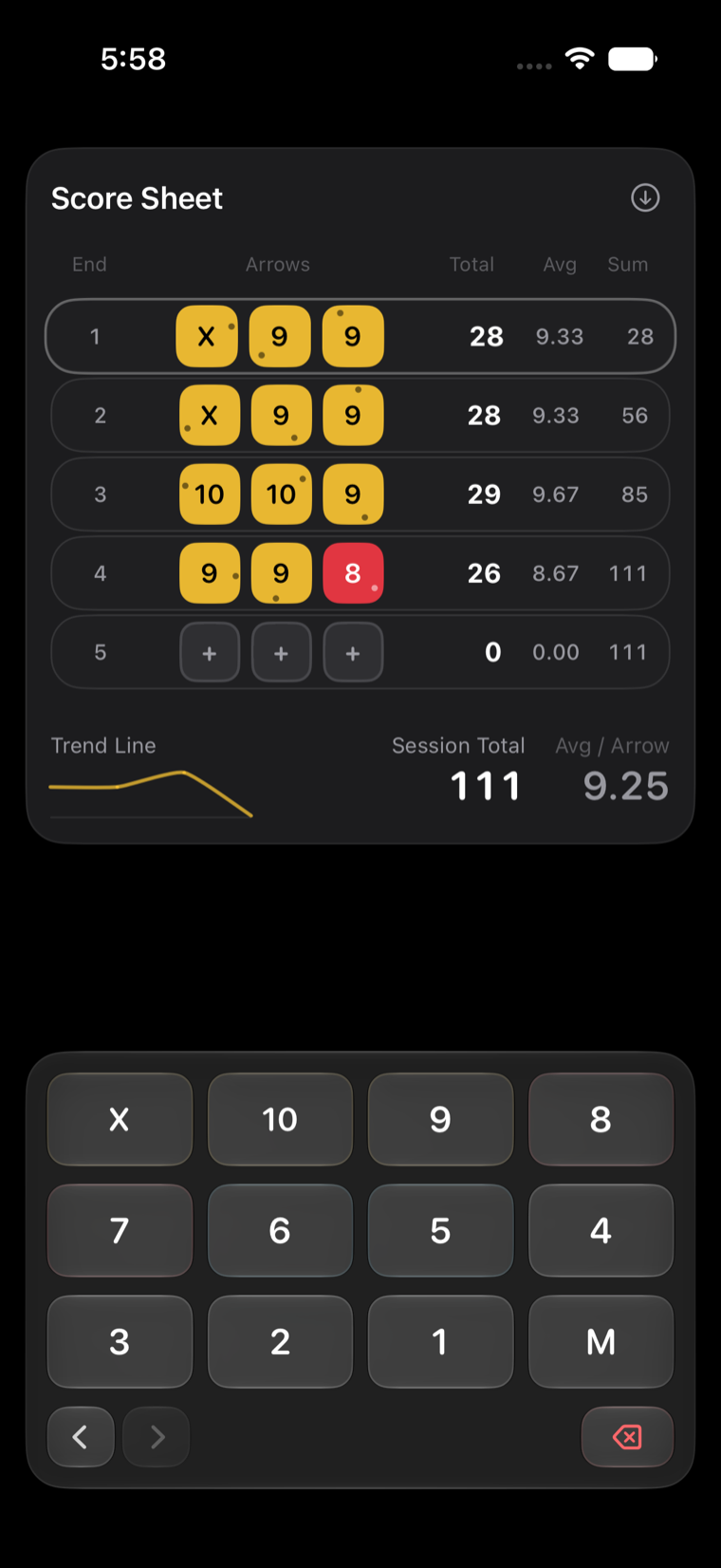
Or type it in.

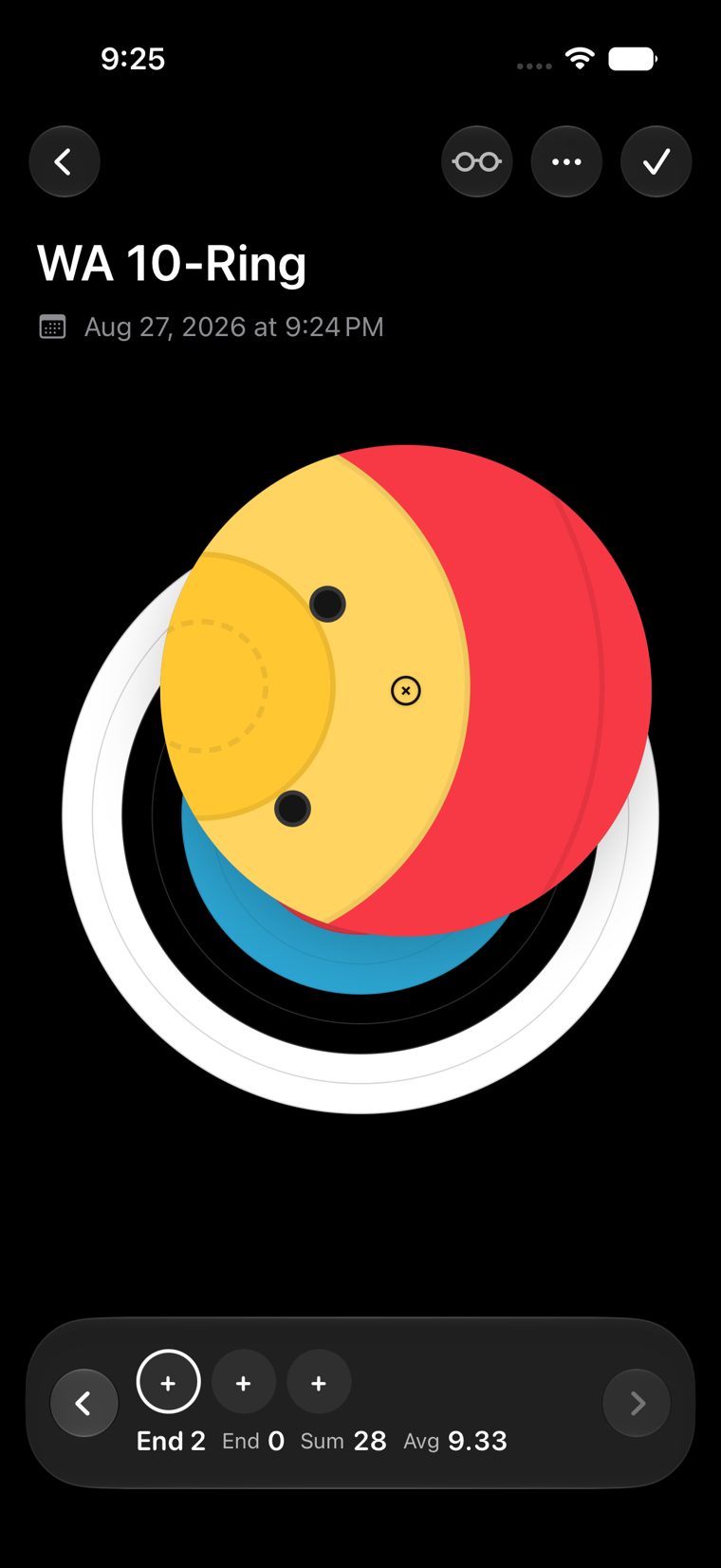
Hold your finger on the target and a magnifier opens under it, so you can put the mark on the exact ring. Lift, and the arrow settles in.

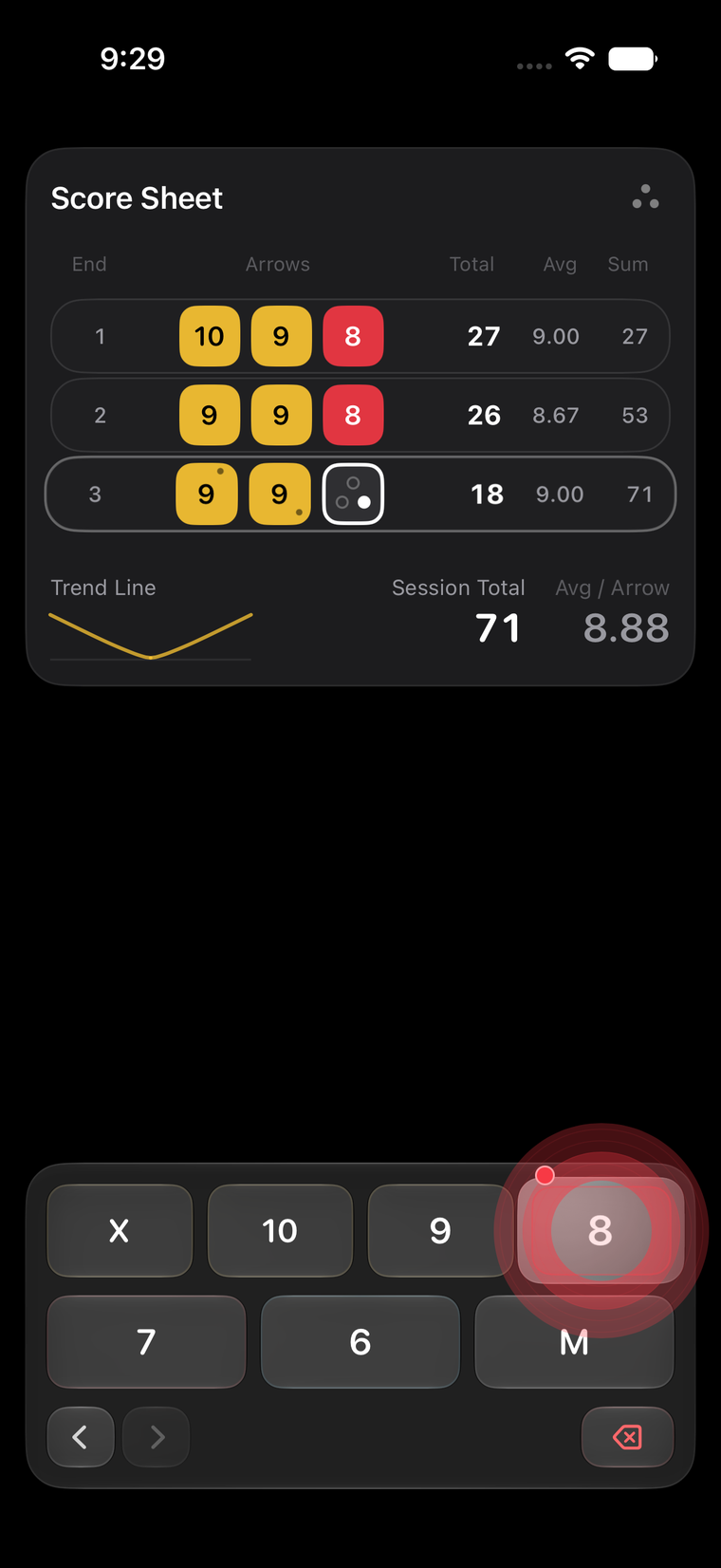
Prefer a keypad? It has one. Turn on the positional keypad under Un-Simple Features and holding a number lets you place the arrow too.

A WA 10-Ring face in Simple Arrows with the magnifier open under the archer's finger, then the keypad with a held number placing the arrow.

After a few taps, it knows
which round you're shooting.

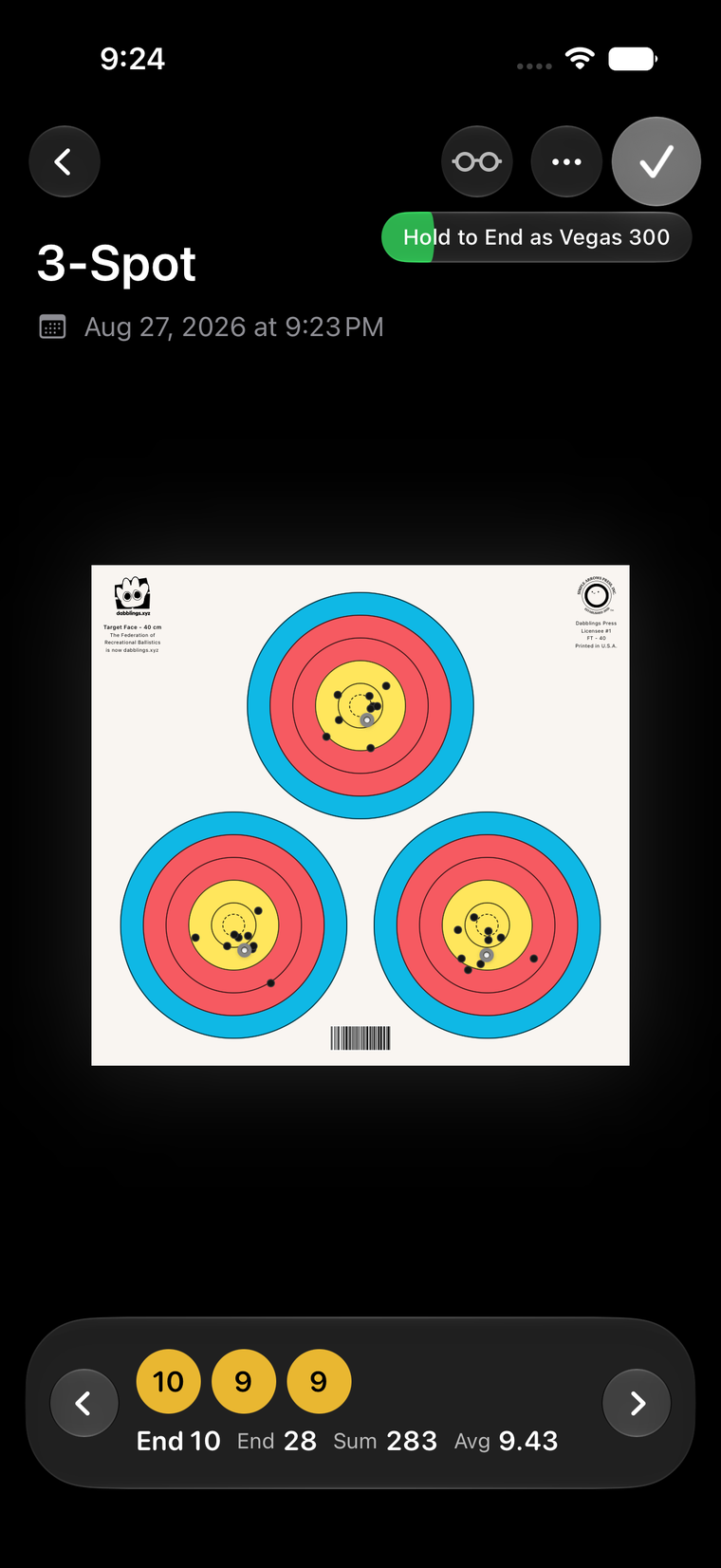
Portsmouth, Vegas 300, WA 1440, the imperial rounds and more. When you reach the last end, it offers to finish.

If it's wrong, you can change it with one tap.

A three-spot session in Simple Arrows at its last end, with a prompt offering to end it as a Vegas 300.

Distracted?
Turn on Focus Mode.

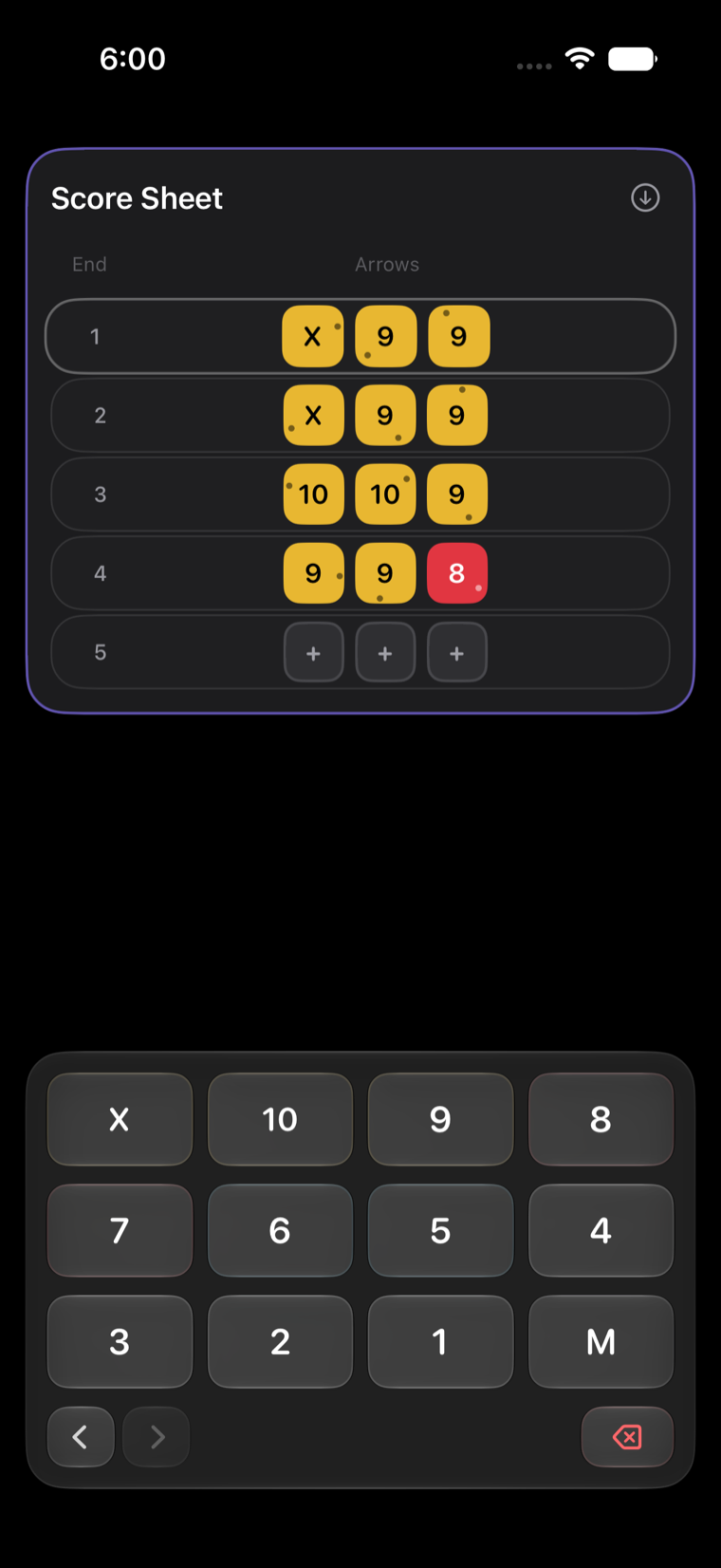
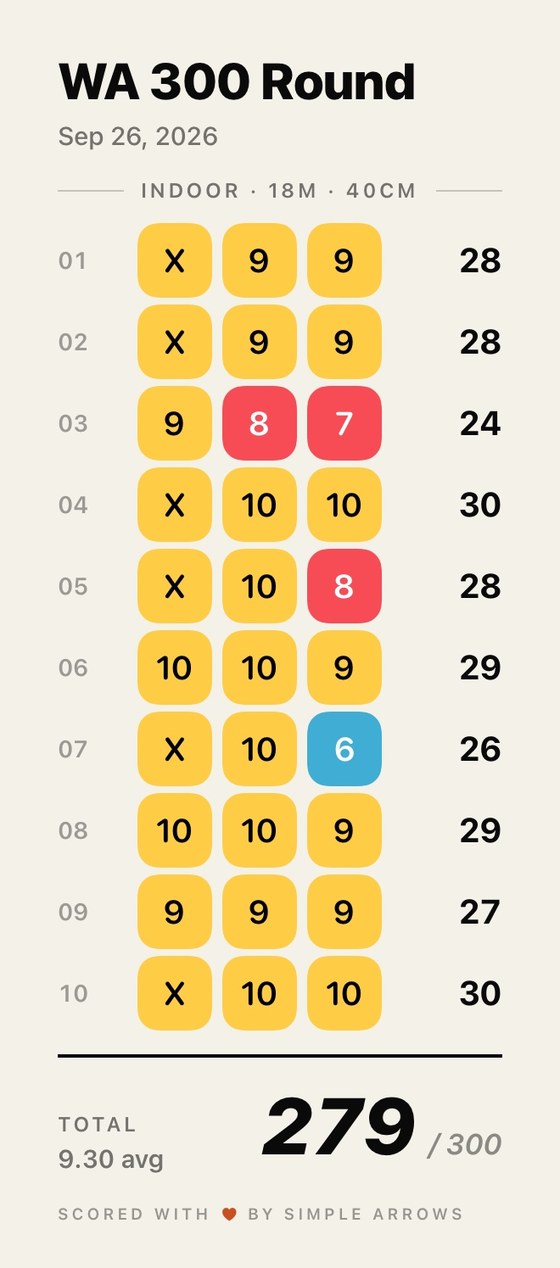
It takes the running total and the average off the screen until you finish. Your arrows still show where they landed, and the end still fills in.

The number waits.

The Simple Arrows score sheet with Focus Mode on: each end's arrows shown, totals and averages hidden.

Every session, kept.
And read back to you.

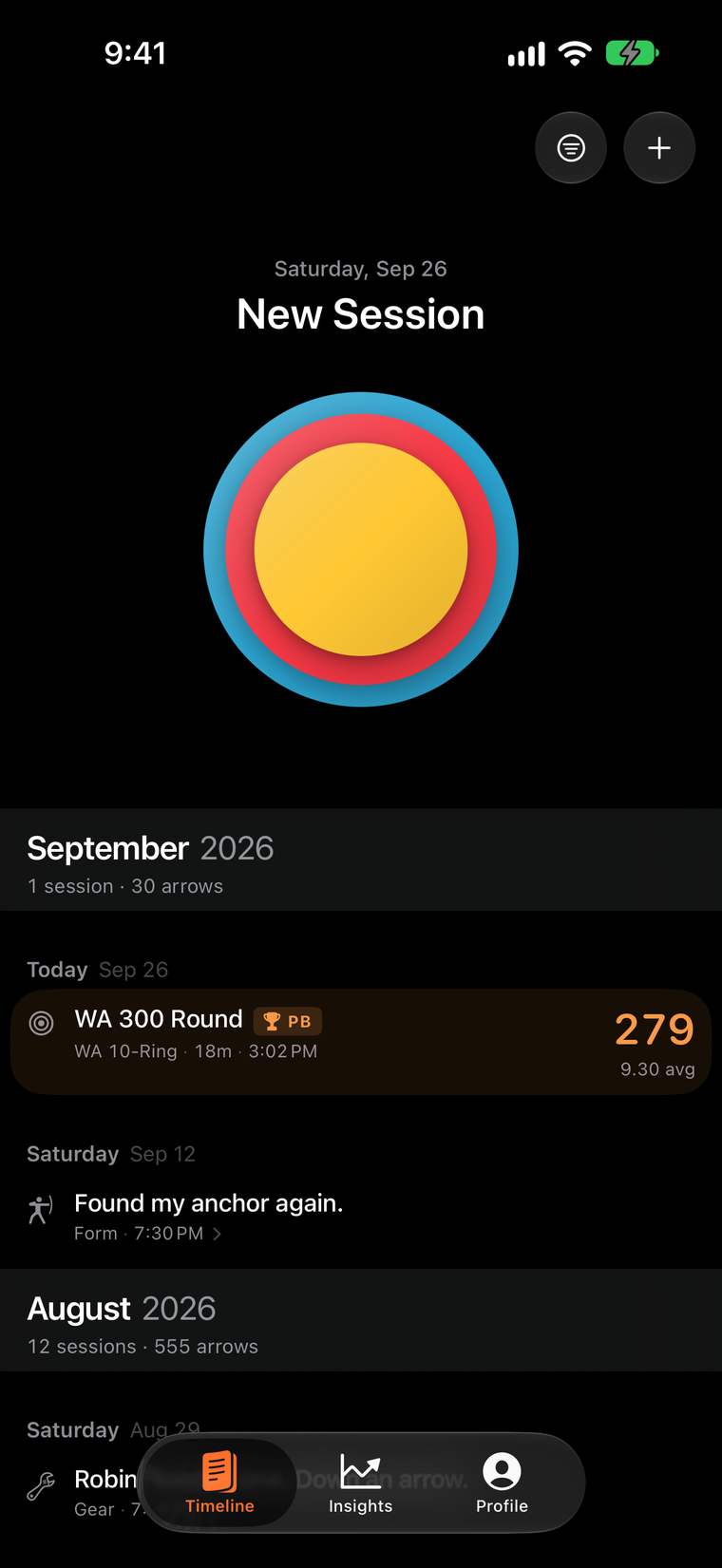
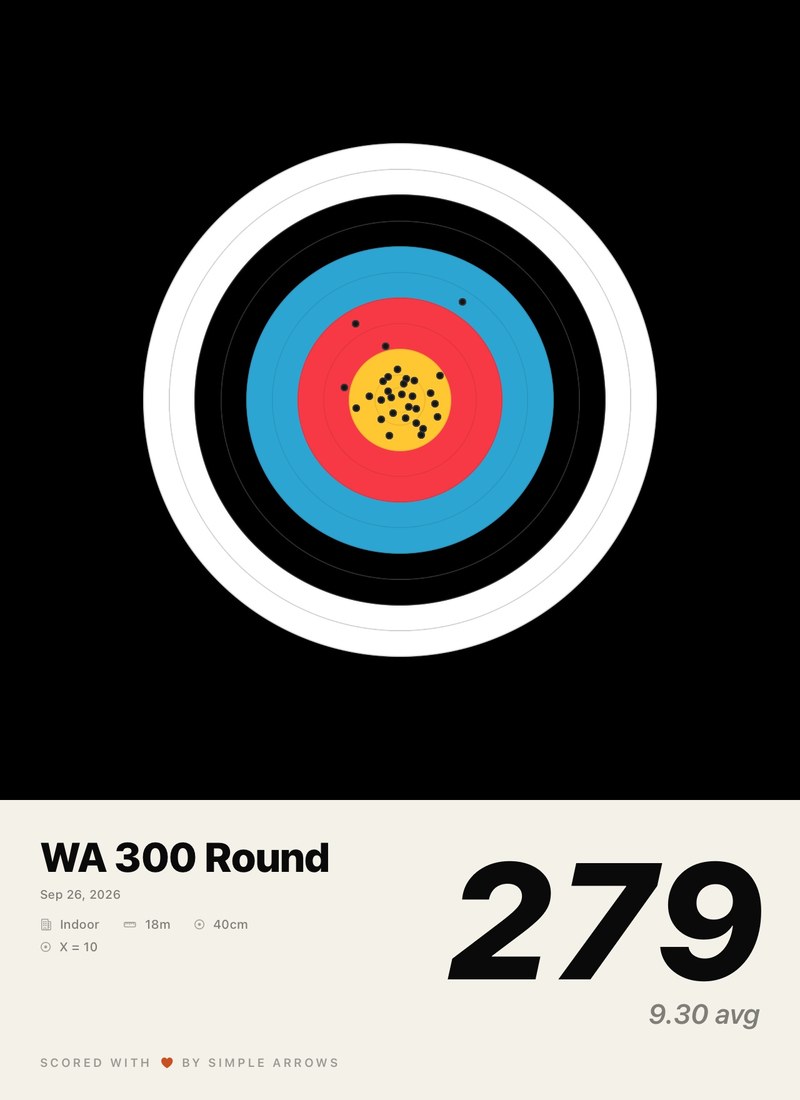
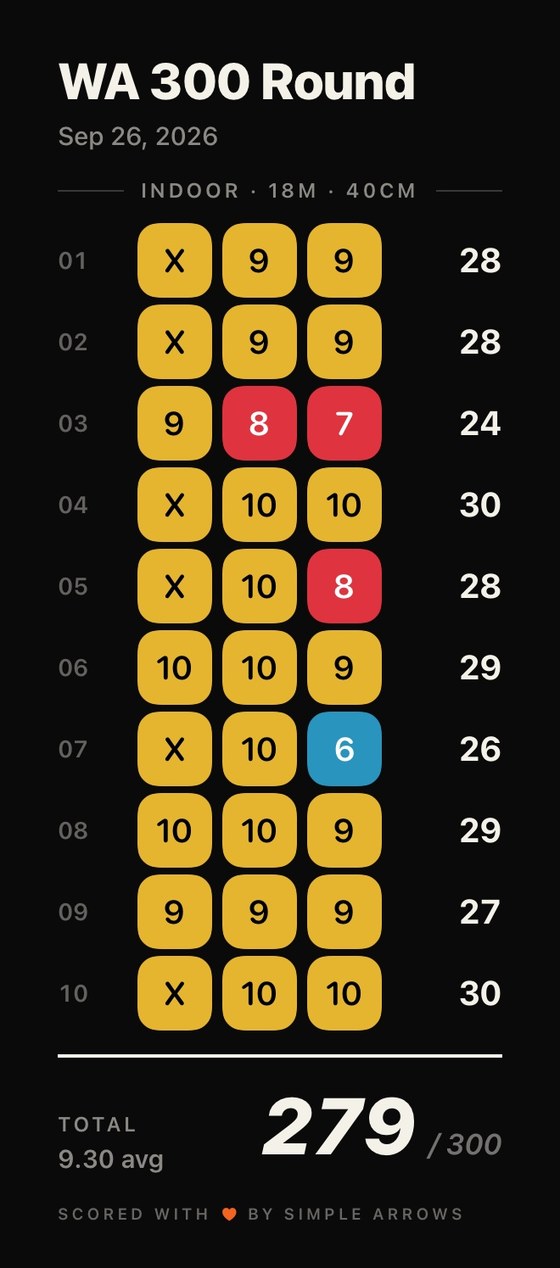
Sessions, notes and personal bests in one list, by date or by category, going back as far as you've used the app.

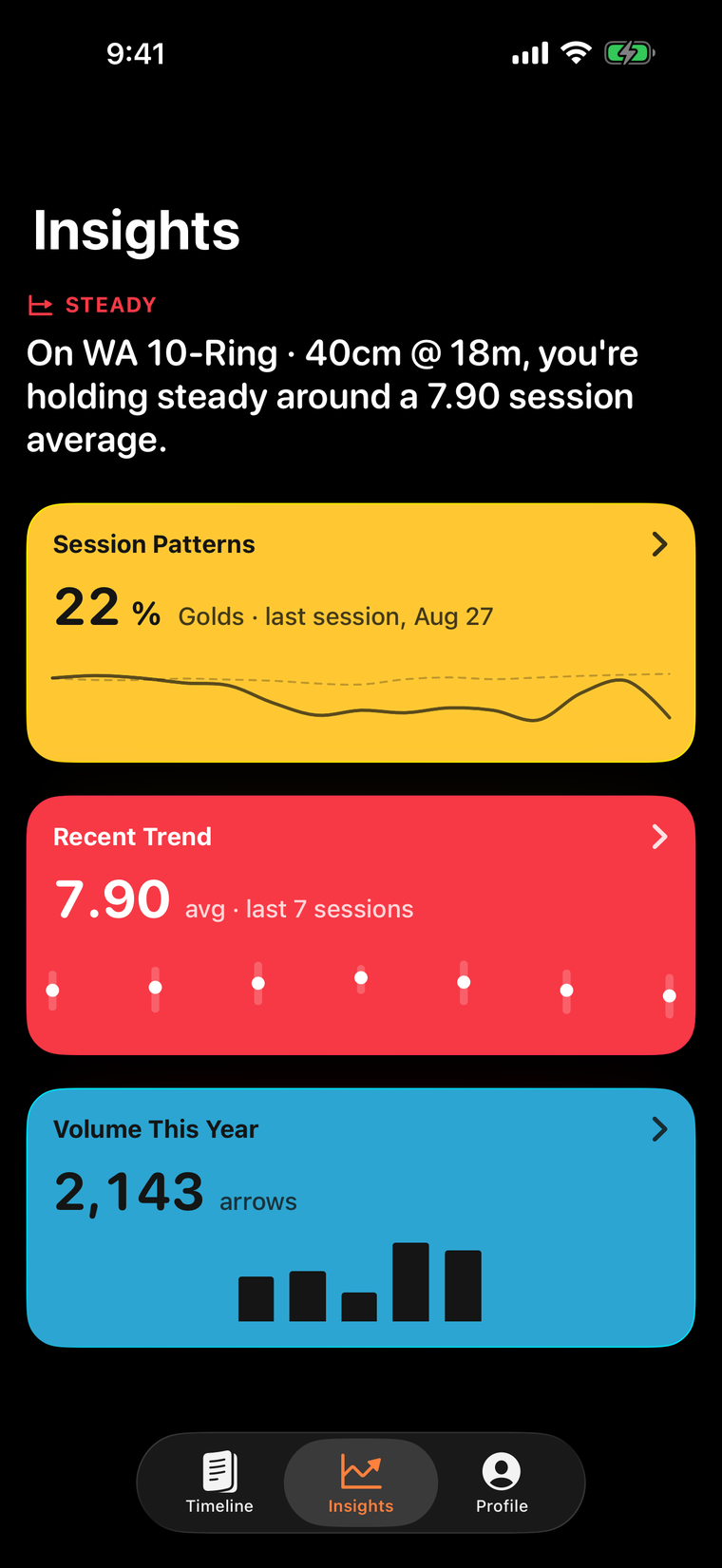
Insights reads them and tells you what changed, in sentences. The charts are there when you want them, one to a screen.

The Simple Arrows timeline, then the Insights screen summarising the week in a sentence above three cards.

Free. Unless you really love us.

Everything on this page is free, for everyone, for good. If you'd like to say thanks, there's a Supporter Edition: one purchase, and it unlocks cosmetics and nothing else. Nothing the app does is behind it.

It's also what keeps the app moving. Every Supporter purchase pays for the next update, and every new cosmetic lands in the Supporter Edition as it's made. It's a small studio. This is how it stays one.

And we made the cosmetics very, very good.

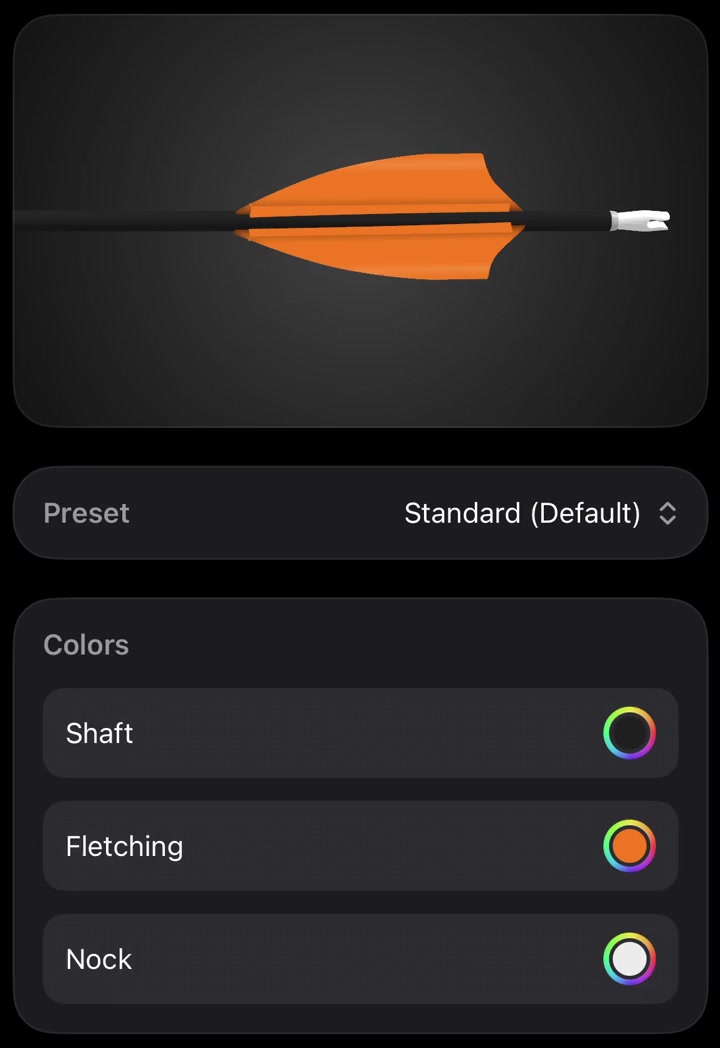
The arrow designer in Simple Arrows, showing a 3D arrow with orange fletching and controls for shaft, fletching and nock colour.

Design your arrow

Shaft, fletching, nock, vanes, length. It's the arrow you see land on the face, in 3D, and it catches the light when you tilt the phone.

The app icon picker in Simple Arrows, showing eight icons to choose from.

Seven more app icons

Plus target face themes, arrow mark colours, and extra export cards.

An enamel Simple Arrows Supporter pin on the profile screen, turning as it is dragged.

A pin that turns

An enamel pin on your profile, front and back. Drag it and it spins. Yes, really.

Design principles

Quiet

It never competes with the shot.

Frictionless

As few taps as possible.

Fast

It keeps up with you.

Private

Your data stays on your device. No account.

Delightful

Small things should feel good.

Useful, not exhaustive

Only what helps you train. Nothing else.

Talk to the people who make it.